Migrate reservation data by following a short, phased plan: audit your exports, map every field, test the import in a sandbox, then cut over using a 24 to 72 hour parallel run. The biggest risks aren't technical panic points. They're quiet ones: payment tokens that don't transfer, truncated exports, missing rate codes, and GDPR consent limits that get ignored under deadline pressure.
TL;DR:
- Migration plans should include a thorough audit of reservation records, focusing on recent bookings, active guest profiles, current rate codes, and channel IDs within a 12-month window.
- Automated imports are preferred for properties with more than 75 open bookings, while smaller venues may find manual entry faster and more straightforward.
- Conduct sandbox testing with complex cases, including split stays and special requests, and confirm payment token compatibility before the final cutover.
- The safest migration approach combines phased execution, sandbox testing, and a 24 to 72 hour parallel run, ensuring data accuracy before disabling the old system.
- Archive historical data as read-only exports for at least six months and confirm GDPR compliance with clear consent for marketing use, retaining detailed processing documentation.
Table of Contents
- How do you plan a reservation data migration?
- What should you audit before you export reservation data?
- Which migration strategy fits your property?
- How do you test a reservation data import?
- What happens on cutover day?
- How long should you keep archived booking data?
- What GDPR steps matter when you transfer guest data?
- Use migration to fix what's broken, not just move it
- How Served makes switching booking systems easier
- Sources
- FAQ
How do you plan a reservation data migration?
Treat this as a project with phases, not a weekend task. Most smaller properties need four to eight weeks from kickoff to go-live, according to a PMS migration roadmap built around exactly this timeline.
- Audit and cleanup (1 to 2 weeks). Pull every reservation, guest profile, and rate code into one view before touching the new system.
- Configuration and sandbox setup (1 to 3 weeks). Build field mappings and start test imports while staff training runs alongside it.
- Testing and parallel run (1 to 2 weeks). Verify imports against real bookings, then overlap both systems before the final cutover.
Assign named roles early: a migration lead who owns the timeline, a data steward who checks quality, a finance contact for payment reconciliation, whoever manages your channel manager, and someone responsible for staff training. Skip any of these and the phases above stretch out fast.
What should you audit before you export reservation data?
Before you migrate booking data, prioritise the records that actually affect guests: reservations from today through the next 12 months, active guest profiles, current rate codes, room types, and channel booking IDs. Historical folios can wait. Vendor guidance built around real platform switches recommends exporting exactly this 12-month window and confirming that each reservation carries room type, rate code, guest name, payment method, and special requests before it ever leaves the old system.
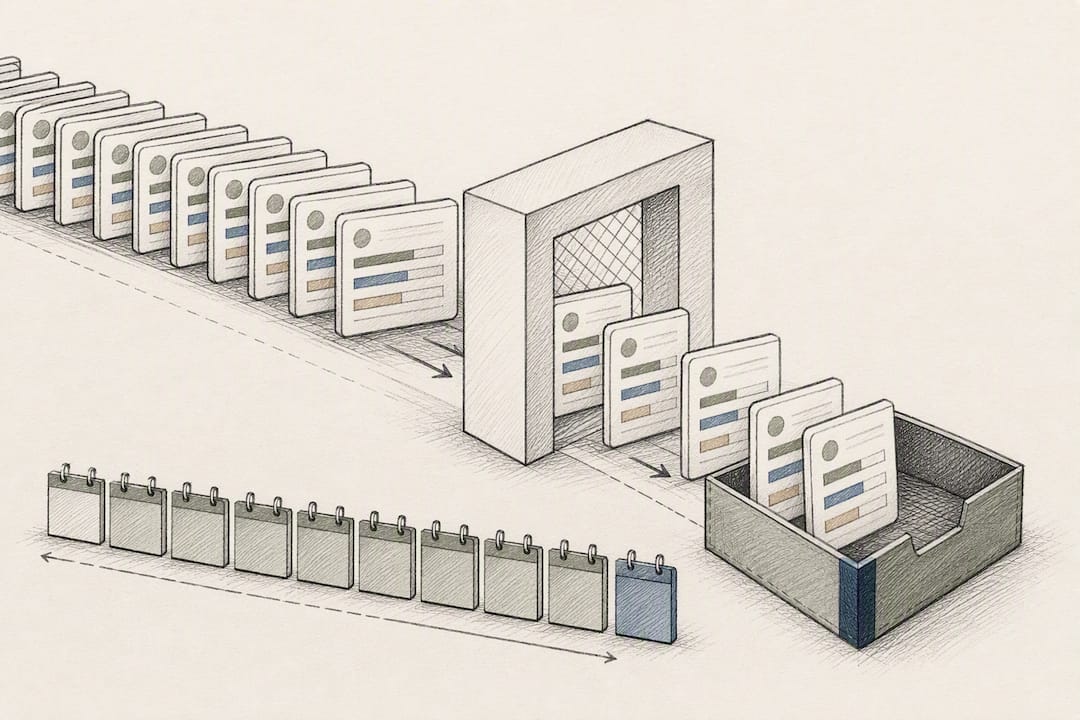
Deduplication matters more than most managers expect. A dedicated pass on your top 200 guests by stay frequency catches the duplicates that are nearly impossible to untangle once they're sitting inside a new database.
Build an export manifest before you pull a single file:
- List every file you'll export and what it contains.
- Note the exact columns and their expected formats.
- Include sample rows so the import team can sanity-check structure before the real transfer.
- Flag placeholder or blank guest names for correction first.
Pro Tip: Fix placeholder guest names ("Guest 1", "Walk-in") before export, not after. Once they're imported, they're indistinguishable from real bookings and someone has to manually trace each one back to a folio.
Which migration strategy fits your property?
There's no single right answer here. It depends on how many open bookings you're carrying and how much staff time you can spare during the switch.
- Manual entry works fine for properties with fewer than roughly 75 open bookings. Below that threshold, retyping reservations by hand is often faster than building and testing an automated import.
- Structured import (CSV or JSON) is the better route for volumes above that. It takes longer to set up but scales without extra labour per booking.
- Phased migration moves module by module, guest profiles first, then rates, then future reservations. It's slower but gives you room to catch errors before they compound.
- Parallel-run migration keeps both systems live and synchronised for a defined overlap window. It eliminates hard downtime entirely.
- Cold-switch migration turns off the old system and switches to the new one at a fixed moment. It's fast but leaves no safety net if something breaks.
A phased approach paired with sandbox testing and a 24 to 72 hour parallel run is the safest route for most venues, removing write access from the legacy system only once the new one is confirmed accurate. The trade-off is real: running two systems means double data entry for front desk staff during the overlap, so rota this properly rather than hoping people absorb it on top of normal shifts.
How do you test a reservation data import?
Sandbox testing catches the errors that would otherwise surface in front of a guest at check-in. Run your test import against deliberately awkward cases, not just clean bookings.
- Import OTA reservations that carry portal-specific booking IDs.
- Import split-stay reservations spanning multiple room types.
- Test rate-plan edge cases, including packages and promotional codes.
- Confirm special requests and notes survive the transfer intact.
Payment data needs particular attention. Tokenised card details are tied to a specific payment gateway and typically cannot move between processors, which means guests with future bookings may need reauthorisation, and your team needs a documented manual fallback for taking payment when a token simply isn't there.
Sign-off criteria to set before go-live: spot-check a defined sample of imported bookings against the original system, confirm channel-manager sync succeeds without errors, and set a reconciliation tolerance for financial figures. Don't cut over until every one of those three passes.
What happens on cutover day?
Cutover works best as a checklist, not an improvisation. Run the final export from the old system, then restrict write access while keeping it available as a read-only reference. Nobody should be entering new bookings into the legacy platform once that export is complete.
- Assign a responsible person to manage discrepancy resolution during the overlap window, not a committee.
- Brief staff on who can still write to which system and when.
- Re-sync your channel manager and check OTA booking numbers against the new platform.
- Fix mapping errors immediately. Small ones (a rate code pointing to the wrong plan) compound fast if left overnight.
A cutover schedule worth borrowing: contract signed and export requested at day minus 14, deduplication finished by day minus 10, sandbox and mapping done by day minus 5, staff trained by day minus 2, final export at day minus 1, go-live at day zero with the old system read-only for the following 24 to 72 hours.
How long should you keep archived booking data?
Most properties archive historical folios as read-only CSV or PDF exports rather than importing them wholesale into the new system, a practice confirmed by common migration guidance across multiple platform switches. Keep that archive accessible for at least six months to cover invoicing queries and any payment disputes.
- Reconcile channel bookings and payment flows daily for the first 7 to 14 days after go-live.
- Schedule a formal post-migration review at the 14-day mark to catch anything the daily checks missed.
- Assign someone to own the slower clean-up work: merging any profiles missed in the first pass, tidying legacy rate plans, and closing out accounting reconciliation.
What GDPR steps matter when you transfer guest data?
Migrating reservations for contract fulfilment is lawful under GDPR without extra consent. Migrating that same data onto a marketing list is not. Purpose limitation is the rule that catches people out: a guest's booking history moves for operational reasons, but sending them to a new email marketing tool requires separate, explicit, documented consent.
- Confirm Data Processing Agreements are signed with both your outgoing and incoming providers before data moves.
- Document every subprocessor involved in the transfer, since DPAs and a documented processor list are a GDPR requirement, not a nice-to-have.
- Record what's archived versus what's actively imported, and update your data map to show who has access and for how long.
Use migration to fix what's broken, not just move it
Migration forces a level of housekeeping most venues avoid for years. Prune rate codes nobody uses, merge the guest duplicates you've been ignoring, and accept that not every historical folio deserves a spot in your new system. The first fortnight after go-live will surface issues you didn't test for. Budget extra staff time for it rather than assuming the sandbox caught everything.
— Ignacy Jurkowski
How Served makes switching booking systems easier
This service exists for exactly this moment: the point where you've decided to move and need it to go smoothly rather than becoming a two-month headache. Onboarding includes human support throughout, not a support ticket queue, alongside a Growth Scan to flag visibility gaps while your migration is still underway.
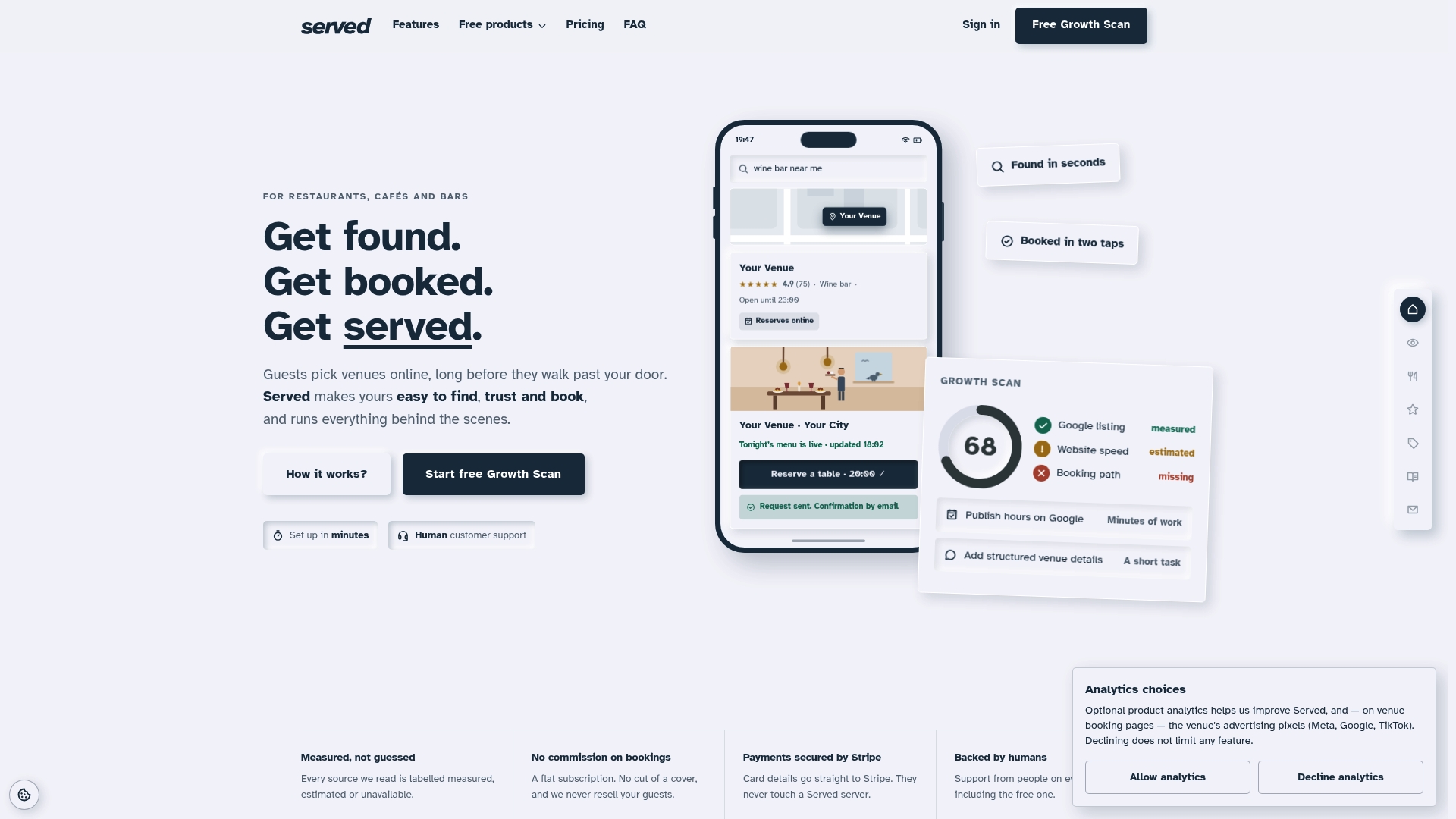
If you're moving off a platform like OpenTable or SevenRooms, Served's switch guidance for OpenTable venues and switch guidance for SevenRooms venues walk through the practical steps specific to those platforms, including how their exports typically behave. A flat-fee, commission-free model means every booking you migrate stays yours with no per-cover charge attached, which matters when you're already absorbing the cost of a system change. Head to the switching page to request a migration conversation, or start with Served to see what a Growth Scan reveals about your current setup before you commit to a date.
Sources
- How to switch hotel PMS without losing booking data
- GDPR for hotels: what venue managers must know
- Hotelsoftware Wechsel: Migration Leitfaden
FAQ
What does it mean to migrate reservation data?
It means extracting bookings, guest profiles, and related records from one system and loading them accurately into another, usually during a platform or software switch.
Can you give an example of a reservation data migration?
A restaurant moving booking software would export future reservations, guest contact details, and table preferences from the old platform, then import them into the new one after mapping each field correctly.
What is ETL for data migration?
ETL stands for extract, transform, load: pulling data out of the source system, reshaping it to match the new system's fields, then loading it in, which mirrors the audit, mapping, and import steps covered above.
Which tool is best for migrating booking data?
The right choice depends on your booking volume and platform, but a structured CSV or JSON import suits most properties above roughly 75 open bookings, while smaller operations often manage manual entry; An onboarding team can help determine which route fits your setup.
How long should a parallel run last during migration?
Most properties run both systems side by side for 24 to 72 hours, long enough to catch sync errors without extending the double data entry burden on staff.