The best approach to restaurant reservation management is a commission-free subscription platform that unifies bookings, POS, payments, and visibility in one system. It gives you control over guest data, predictable monthly costs instead of per-cover fees, and integrations that cut down on double-entry at the host stand. Platforms built this way, including Served, report faster setup and fewer manual workarounds for staff.
TL;DR:
- Using a subscription-based reservation system reduces costs and simplifies operations by unifying bookings, payments, and guest data management without commission fees.
- Effective systems allow quick floorplan adjustments, personalized CRM insights, and deposit controls tailored by party size and day part to optimize revenue.
- Planning capacity and scheduling together, with flexible booking windows and dynamic buffers, increases profit while minimizing resource waste during peak times.
- Transitioning to a new system requires careful data audit, isolated testing, staff training, and avoiding migration during the busiest weeks to prevent service disruptions.
- Focus on host staff adaptability and POS integration stability during migration, as these factors outweigh feature lists or advanced reporting capabilities.
Table of Contents
- What Is Restaurant Reservation Management, and What Should You Look For?
- How Do Reservation Features Actually Change Daily Operations?
- How Should You Plan Capacity and Scheduling?
- How Do You Migrate to a New Reservation System Without Losing a Service Night?
- What Actually Matters When You Switch Systems
- Served: Reservation Management Built for Owners, Not Marketplaces
- Sources
What Is Restaurant Reservation Management, and What Should You Look For?
Restaurant reservation management is the set of tools and processes a venue uses to accept, confirm, seat, and track guest bookings across every channel, phone, walk-in, website, and third-party apps, while keeping that data usable for staffing, marketing, and forecasting. It's more than a digital book. Done right, it's the operational backbone connecting your front door to your kitchen to your bank account.
Most owners default to comparing price tags first. That's backwards. Score any table booking system against these criteria before you look at a single dollar figure:
- Table and floorplan management that lets a host drag, resize, and combine tables in seconds, not minutes.
- Multi-channel booking capture so phone, walk-in, and online dining reservations land in one ledger, not three.
- Guest CRM that stores visit history, allergies, and preferences automatically, not through manual notes.
- Payments and deposit handling built in, so you're not bolting on a third-party processor.
- Reporting that shows covers, no-show rates, and peak windows without exporting to a spreadsheet.
- Waitlist tools that text guests instead of making them stand by the host stand.
On the operational side, ask how the system behaves when the internet drops mid-Saturday rush. A host workflow that requires three taps to seat a two-top will slow you down every single night. Mobile apps for floor staff matter more than most software demos let on, because your team is rarely standing at a fixed terminal.
Commercially, the split between subscription and commission models is the single biggest cost decision you'll make. A flat monthly fee is predictable. A per-cover commission scales against you exactly when business is good, which is the worst time to pay more. Check contract length and add-on fees for things like SMS reminders or extra locations before signing anything.
Visibility features deserve equal weight. Systems that let guests book directly from your website and capture your Google Business Profile listing keep that relationship yours, no marketplace fee, no lost contact data. Finally, confirm the basics on security: PCI compliance for payment handling, encrypted guest records, and clear language on who owns the data if you ever switch providers.
How Do Reservation Features Actually Change Daily Operations?
Feature lists are easy to skim and hard to translate into what happens on a Friday night. Here's how each core category shows up on the floor.
Table and floorplan configuration determines your real turn times. If your system lets you set different seating durations for a two-top versus a party of eight, and adjust those durations by day part, you stop losing revenue to phantom holds. A restaurant running 90-minute turns on a floorplan built for 75 minutes is quietly capping its own covers every single night.
Guest CRM is where repeat business gets built or lost. A system that flags "regular, prefers booth, allergic to shellfish" the moment a reservation comes in lets your host and server deliver a personalized experience without asking the guest to repeat themselves. Connected CRM tools that pull visit history automatically, rather than relying on handwritten notes, tend to produce better guest retention because the personalization survives staff turnover.
Payments and deposits involve a real trade-off. Requiring a deposit for a party of ten protects you from a no-show that costs real revenue. Requiring one for a Tuesday two-top might just cost you the booking. The best table booking systems let you set deposit rules by party size, day, or time, rather than applying one blunt policy across the board.
Multi-channel bookings and direct booking ownership protect your guest list from becoming someone else's marketing database. An all-in-one host and table management setup reduces the manual re-entry that happens when reservations come from five different sources, and keeps the resulting guest data inside your own system rather than a third-party marketplace.
Reporting and forecasting should feed your Monday staffing meeting, not sit in a dashboard nobody opens. Weekly cover counts, no-show percentages by day, and peak-hour heat maps tell you whether you're overstaffed on Mondays and underprepared on Saturdays.
- Configure seating durations by party size and day part, not one blanket rule.
- Set deposit thresholds based on party size and booking value.
- Pull weekly no-show and cover reports into your staffing decisions.
- Use CRM notes to personalize service without relying on staff memory.
Pro Tip: Run your no-show report every Sunday night before you build the next week's schedule. Patterns in who cancels, and when, usually repeat weekly.
How Should You Plan Capacity and Scheduling?
Capacity and scheduling aren't two separate decisions. Treating them as one is the single biggest lever most restaurants ignore. Research on seasonal reservation systems shows that planning capacity and scheduling together, rather than separately, increases net profit once you factor in resource costs and cancellation patterns. In plain terms: how many tables you hold open and when you release them should be one calculation, not two guesses made by different people.
The same research found that resource costs, meaning staffing and overhead, change the math. When labor costs rise, the model favors tighter utilization targets over simply adding more capacity. That's a useful check against the instinct to just open more tables when you're busy. Sometimes the better move is holding your current capacity and getting sharper about which slots you release and when.
Fast decision-making backs this up operationally. Studies on scheduling algorithms found that heuristic approaches produce high-quality solutions faster than exact optimization methods, even as the number of reservations grows. The takeaway for a restaurant owner: your software should let you change booking rules in seconds, not submit a support ticket and wait two days for a vendor to adjust your inventory settings.
Practical rules that follow from this:
- Set booking windows that widen automatically during slow weeks and tighten during known peaks (holidays, local events).
- Hold two or three tables back for walk-ins during predictable rush windows rather than releasing full capacity online.
- Require a small deposit or card pre-authorization for parties of six or more.
- Use automated confirmation texts and reminders 24 hours out, since this is the cheapest lever against no-shows.
- Adjust seating buffers dynamically for holidays instead of manually rebuilding your floorplan each time.
The common thread: your reservation handling tips are only as good as the software's ability to execute them fast. A system that requires a phone call to change your overbooking tolerance for New Year's Eve isn't built for how restaurants actually operate.
How Do You Migrate to a New Reservation System Without Losing a Service Night?
Switching systems sounds riskier than it is, if you sequence it correctly. Here's the order that actually works.
- Audit before you commit. Export your current guest data, list every integration you rely on (POS, payments, website widget), and identify your slowest week of the year. That's your go-live window, never a Friday or Saturday.
- Migrate the data cleanly. Map guest fields (name, contact, notes, visit history) into the new system and verify anything tied to payments or gift cards before you flip the switch.
- Test every integration separately. Confirm POS syncing, payment processing, your Google Business Profile connection, and your website booking widget each work in isolation before testing them together.
- Train staff in short bursts, not one long session. Run a dry run during a slow lunch service. Have a paper backup plan ready in case the internet drops on night one.
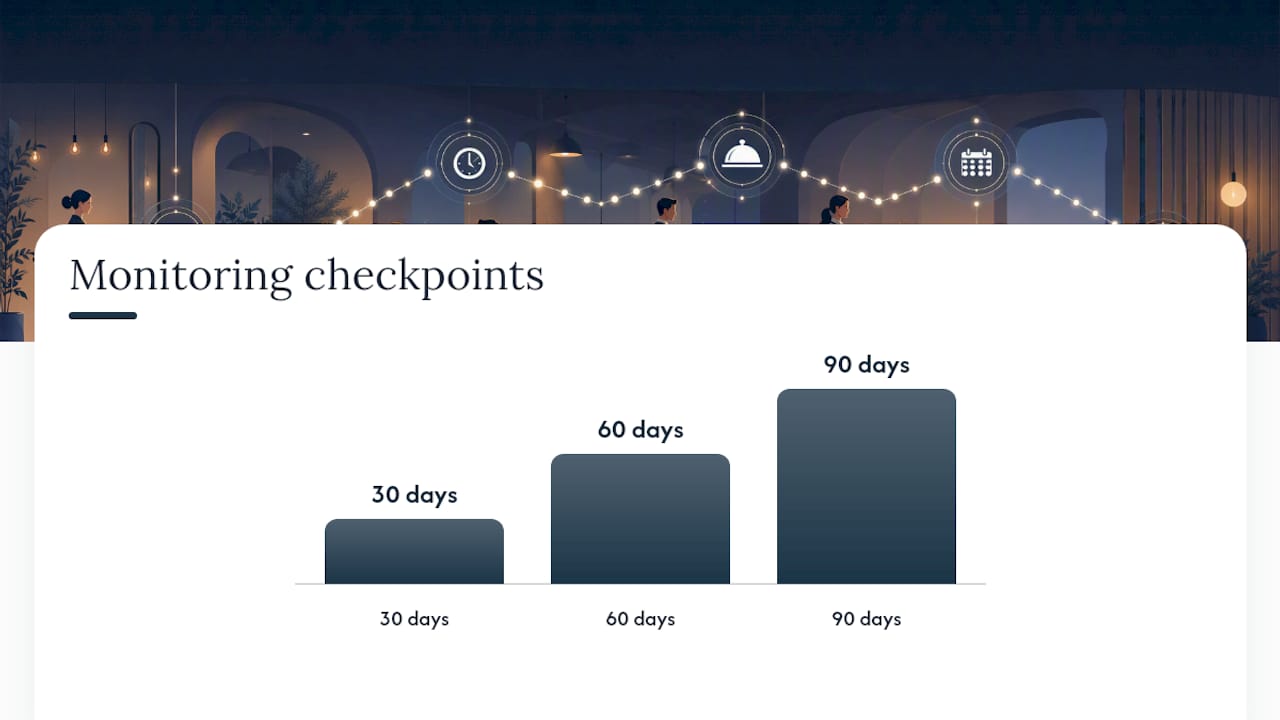
- Monitor for 30, 60, and 90 days. Watch no-show rates, booking volume, and guest complaints closely in week one. If something breaks staff workflow, fix it immediately rather than waiting for the next update cycle.
Pro Tip: Never migrate during your three busiest weeks of the year. A slow Tuesday in February beats any night in December, no exceptions.
Owners switching from legacy providers often find the migration steps more mechanical than emotional, the bigger adjustment is usually staff habit, not the software itself.
What Actually Matters When You Switch Systems
Most software comparisons obsess over feature checklists. In practice, two things determine whether a switch succeeds: how fast your host staff adapts, and whether your POS integration actually holds up under Friday-night pressure. Everything else, fancy reporting dashboards, AI-powered upsell suggestions, is secondary if your host is fighting the tablet during a rush.
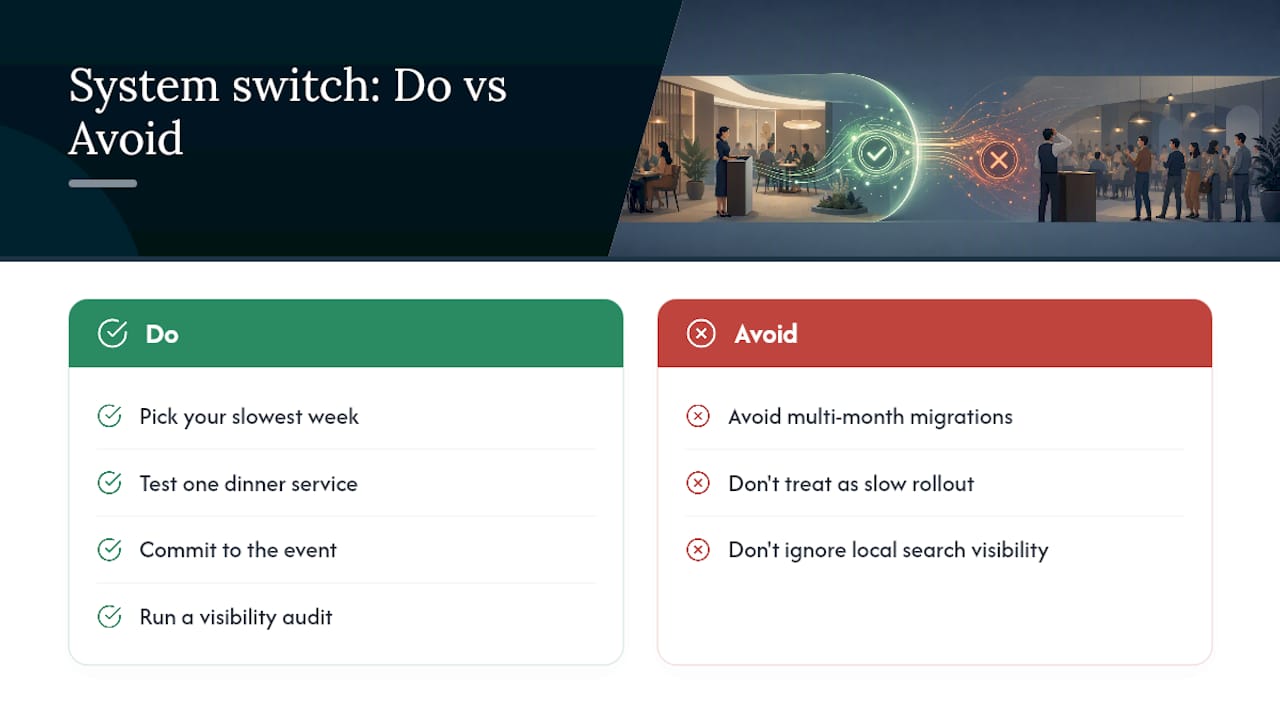
The biggest mistake I see is treating a system switch like a slow-motion software rollout instead of a single, well-timed event. Multi-month migrations during peak season create more chaos than the old system ever did. Pick your slowest week, test with one dinner service, and commit.
Before you evaluate a single vendor, run a visibility audit. Most owners have no real sense of how their venue shows up in local search or how many potential bookings are getting lost to a competitor with a better Google presence. A free scan gives you a number to react to instead of a hunch to argue about.
— Ignacy
Served: Reservation Management Built for Owners, Not Marketplaces
Served takes the same approach this article recommends: one subscription, no commission on the reservations you take. You keep every booking, every guest record, and every dollar of the reservation itself, no per-cover fee eating into a Saturday night that's already fully booked.
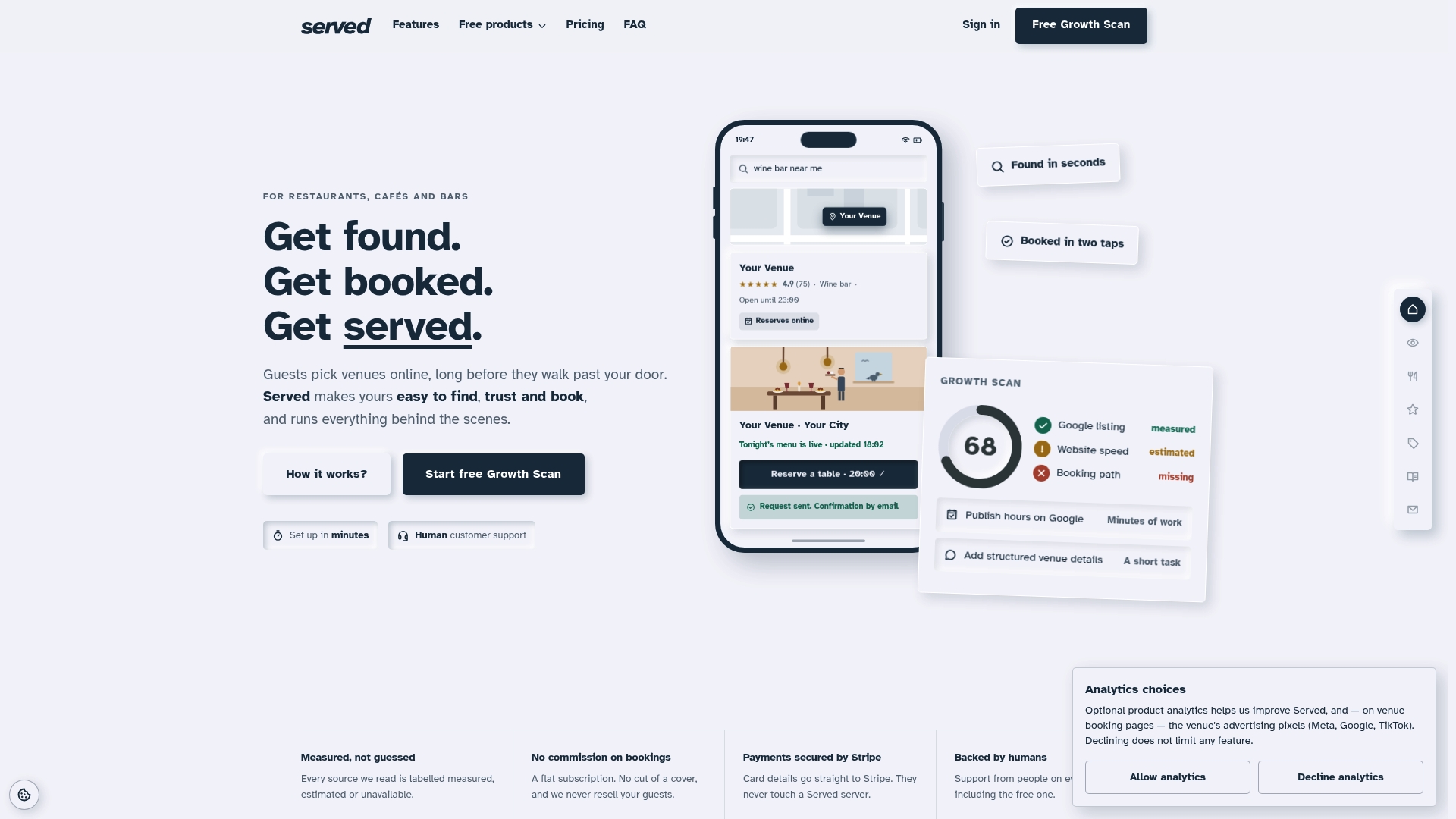
The platform bundles real-time menu updates, guest CRM, floorplan and calendar tools, and Stripe-integrated payments into one system, backed by human support when something needs a real answer instead of a chatbot. Venues that switch report better visibility and stronger foot traffic once their booking path and Google presence are cleaned up. Served's free Growth Scan shows you exactly where your current visibility is leaking bookings, no commitment required. If you're planning a switch, the migration guide walks through the exact sequence covered above. Run the scan first. See the gap. Then decide.
Sources
- Seasonal Reservation Scheduling with Resource Costs: A Mathematical Modeling Approach
- Efficient solution algorithms for resource planning and scheduling in seasonal reservation systems