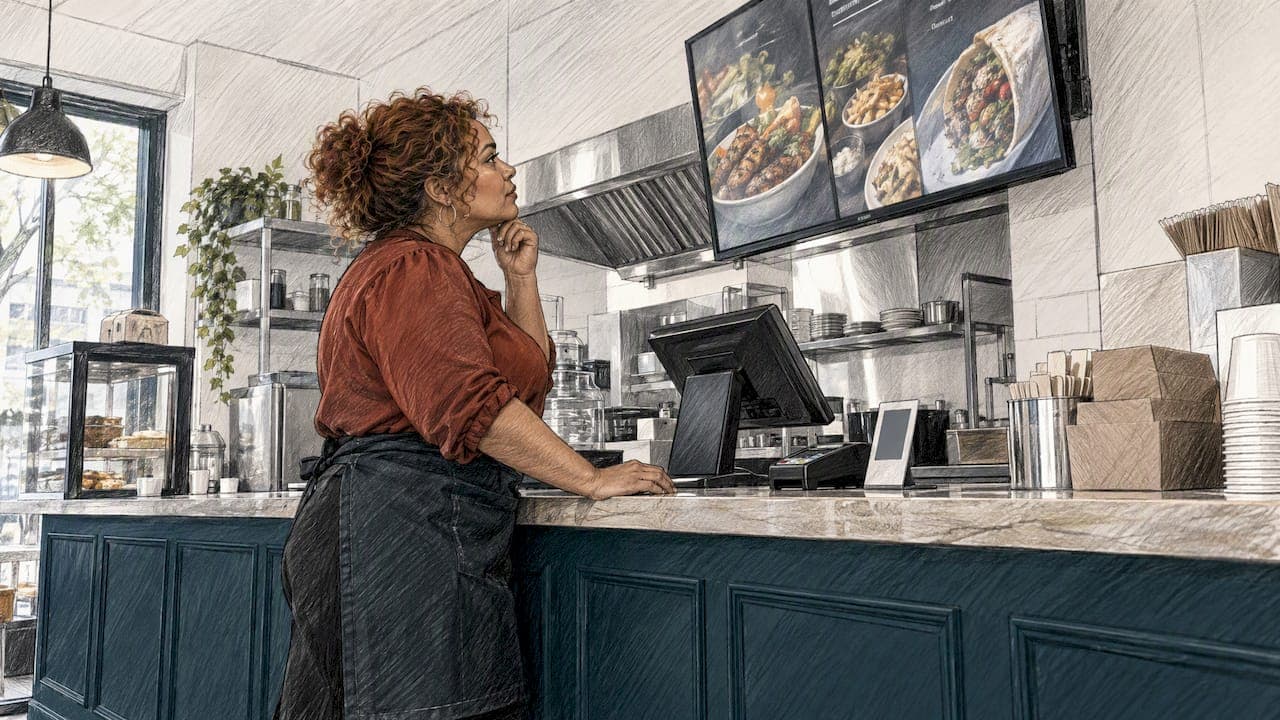
The best digital menu software is the one that puts your current menu in front of guests where they decide, then gets them to book. For most independent restaurants, bars and cafés, that means a menu on your own web page that Google can read, tied to a booking button. A screen on the wall is a different job.
That is the first trap. "Digital menu" covers three different products, and they solve different problems. Pick the wrong one and you pay for features you never use.
This guide sorts the options, compares them on the criteria that matter to a venue owner, and shows where Served fits.
TL;DR
- Three kinds of tool: menu boards for screens in the venue, QR and ordering menus inside a POS, and web menus tied to bookings and Google visibility.
- Match the tool to the job: screens help upselling at the counter. A web menu helps people find you and book before they arrive.
- Keep paper: surveys show most guests still prefer a printed menu, so treat digital as an addition, not a replacement.
- Avoid PDF menus: search engines struggle to read them and phones handle them badly.
- Served: our Free plan costs €0, and Visibility Brain costs €69 per month or €660 per year. There are no commissions and no per-cover fees.
Table of Contents
- Three kinds of digital menu software
- How the options compare
- What to check before you choose
- Allergens: a reason to go digital
- Your menu is also a search asset
- Do not delete the paper menu
- What digital menu software costs
- Our view: start with being found
- Where Served fits
- A simple way to decide
- FAQ
- Sources
Three kinds of digital menu software
Search for this topic and you get a mixed bag. Some results are digital signage tools. Others are POS systems with a QR menu bolted on. A few are booking platforms. They are not interchangeable.
1. Menu board software
This runs on TVs or screens behind a counter. You design the board, send it to the screen and change prices from a laptop. Yodeck, Juuno, NoviSign, ScreenCloud, Fugo and Kitcast are typical names. Pricing is usually per screen per month, and some need extra hardware such as a media player or a Raspberry Pi.
Best for: cafés, takeaways and bars where guests read the menu while queuing.
Weak spot: a board inside your venue does nothing for someone searching on their phone at 6pm.
2. QR and ordering menus inside a POS
Toast, Square, Lightspeed and Clover all offer a digital menu tied to ordering and payments. The menu is part of a larger till system. That is handy if you are already on that POS. If you are not, you are buying a till system to get a menu.
Best for: venues that want table ordering and are happy to commit to one POS.
Weak spot: the menu often lives on the vendor's domain, not yours, so you gain little search visibility.
3. Web menus tied to bookings and visibility
Here the menu sits on a venue page, updates in real time and links straight to a reservation. The goal is to be found, trusted and booked. This is the category Served sits in.
Best for: restaurants, bars and cafés that win or lose on whether a stranger finds them and books.
Weak spot: it does not drive a screen on your wall. If that is your only need, a menu board tool is the better match.
How the options compare
| Criterion | Menu board tools | POS menus | Served |
|---|---|---|---|
| Main job | Display menu on screens in the venue | Order and pay at the table | Get found online and get booked |
| Helps Google visibility | Little | Limited | Core purpose |
| Booking built in | No | Sometimes | Yes, with calendar and floorplan seating |
| Real-time menu updates | Yes, to screens | Yes | Yes, to your venue page |
| Pricing model | Per screen per month | Part of POS subscription | Flat subscription, no commission |
| Extra hardware | Often | Often | None needed |
| Human support | Varies | Varies | Human support on every plan |
Treat the table as a starting point. Vendors change plans often, so check current pricing on each vendor's own site before you decide.
What to check before you choose
Five criteria separate a good fit from an expensive mistake.
- Who does it help: guests in the room or guests online? Decide this first. It removes half the field.
- Where does the menu live? On your own domain, or on the vendor's? Your own page builds your visibility. A vendor page builds theirs.
- How fast can you change a dish? A sold-out special should disappear in seconds, not after an email to a designer.
- What does the pricing really cover? Ask about per-screen charges, per-cover fees, setup fees and commission on bookings.
- Who answers the phone? When Friday service is chaotic, you want a person, not a help article.
Allergens: a reason to go digital
One of the strongest arguments for a digital menu is allergen information. Under the EU Food Information Regulation, businesses must declare the 14 major allergens. Digital menu software helps keep that data consistent because you change it once per dish and every guest-facing page updates. A printed menu can go stale the moment a supplier changes an ingredient.
The rules differ by country, and the source above describes the German context. UK venues should check requirements with their local authority's environmental health or trading standards team. If you also sell takeaway, it is worth knowing which of the 14 EU allergens to check on takeout, since the same dish list has to work for every channel.
Whatever tool you choose, look for dish-level allergen toggles or icons, so the menu stays clean but the information is one tap away. GastroInsider points to real-time updates and allergen filters as two of the clearest advantages digital has over paper.
Your menu is also a search asset
Guests check the menu before they book. If Google cannot read yours, you lose them at that step.
The most common mistake is a PDF. Search engines cannot index the content inside them, and on a phone they mean pinching and zooming. Use a native, mobile-friendly web menu instead.
Booking widgets matter too. According to Fullstack Factory, many third-party reservation systems use iFrames or pop-ups that Google's crawlers do not see, which can hide your availability. The advice is to use a system that offers native forms or direct integration on your own domain.
That is why a menu tool and a booking tool work better together. A menu that Google can read, next to a booking path that Google can follow, is the setup that gets a venue found.
If you want a quick view of where you stand, our Booking Path Scan checks how easy it is to find and book your venue online. If you want to understand the free options first, read 3 free ways owners get a live restaurant site with menu and bookings.

Do not delete the paper menu
Here is the honest bit. A 2024 Lightspeed and Medallia survey, with over 7,500 participants across several countries, found that 85.73% of casual dining guests and 90.42% of fine dining guests prefer a physical menu to a QR-code one. Only about one in ten Germans said they preferred a QR menu. The survey also reported that over 30% of German guests dislike digital menus.
The lesson is not to avoid digital. It is to use it where it helps:
- Guests browsing before they arrive.
- Guests who need to filter by allergen.
- Staff who need to update a dish without reprinting.
GastroInsider calls for a hybrid model: digital as a convenience, paper kept at the table. We agree. Forcing guests to scan a code to see what you serve is a service problem, not a technology win.
What digital menu software costs
Prices vary widely. One German price comparison from SpeiseCloud puts basic digital menus or PDF hosting at free or around €29 to €49 per month. Professional platforms with reservations, ordering and multi-location tools run roughly €69 to €149 per month, and enterprise setups can pass €200. Treat these as a European guide rather than a UK price list, and note that SpeiseCloud is itself a vendor in this market.

Menu board tools price differently, per screen. That is cheap for one screen and adds up fast across a large site, especially if each screen needs its own player.
On Served, the numbers are simple:
| Plan | Price |
|---|---|
| Free | €0 one-off |
| Visibility Brain | €69 per month |
| Visibility Brain | €660 per year |
| OmniBrain | No published price |
| Dedicated onboarding | No published price |
The yearly Visibility Brain plan works out below twelve months at the monthly rate. Ticketing carries its own fees, which are not published.
Our view: start with being found
We build Served for restaurants, bars and cafés, so we are not neutral. Here is what we believe, and why.
Most owners ask which menu tool to buy. We think the better first question is: when a stranger searches for somewhere to eat near you, what do they see? A beautiful in-house menu board will not change that. A clear venue page, a current menu and a booking button will.
That is why Served bundles the menu with the rest of the booking path: table reservations, a calendar and floorplan, reminders, review management and a guest CRM. Real-time menu updates sit on the same page guests use to book. You change a dish once and the page reflects it.
Three principles shape the product:
- No commission. You keep every booking. The subscription is flat, with no per-cover fees.
- Your guests stay yours. We never resell guest data, and venues keep ownership of their guest relationships.
- People, not tickets. Human support comes on every plan, and the platform is designed for busy teams without technical staff.
We also think owners should be able to try things without a sales call. That is why the Free plan exists and why the scan comes first.
If you work with a screen on the wall, use a menu board tool for that. It is a sensible tool for that job. Just do not mistake it for the thing that fills tables. Our own piece on updating your restaurant menu online before bookings slip goes through the daily routine.
— Ignacy Jurkowski
Where Served fits
Served suits you if you want a menu that supports bookings and search visibility, without commission or per-cover charges.
A sensible path:
- Run the Booking Path Scan to see where guests drop out between search and booking.
- Start on the Free plan to set up your venue page and menu.
- Move to Visibility Brain at €69 per month, or €660 per year, when you want the full booking and visibility toolkit.
If reservations are your main worry, our guide to restaurant reservation systems that keep guest data and avoid commissions compares the booking side in more depth.
A simple way to decide
Use this short test:
- You need screens behind a counter. Choose a menu board tool, priced per screen.
- You want table ordering and already run a compatible POS. Look at your POS vendor's menu feature.
- You want to be found, trusted and booked. Choose a web menu tied to reservations.
- You want all three. Many venues combine a booking platform with a simple board. Start with the booking path, since that is where new guests come from.
Whichever you choose, test it on your own phone first. Search for your venue, open the menu, try to book. If it takes more than a minute or two, a guest will give up sooner.
FAQ
What is the best digital menu software for restaurants?
It depends on the job. For screens in the venue, a menu board tool priced per screen fits. For being found online and taking bookings, a web menu tied to reservations is the better match, and that is where Served sits.
Is there a free digital menu maker?
Yes, several tools offer free tiers, with limits on screens, features or branding. Served has a Free plan at €0 one-off for building a venue page and menu. Check each vendor's current terms, as free plans change.
Should I replace my printed menu with a QR code?
We would not. A 2024 survey reported by Gastgewerbe-Magazin found that most casual and fine dining guests prefer paper. Offer the digital menu as an extra for browsing and allergen filtering, and keep printed menus at the table.
Why should I avoid a PDF menu?
Search engines cannot index the content inside a PDF, and PDFs are awkward to read on a phone. A mobile-friendly web menu is easier for guests and for Google.
Does Served charge commission on bookings?
No. Served is a flat subscription with no commission and no per-cover fees. Ticketing has separate fees, which are not published.
Sources
- Deutsche Restaurantgäste immer offener für digitale Speisekarten, Gastgewerbe-Magazin
- Digitale Speisekarte Kosten: Preisvergleich, SpeiseCloud
- Was muss auf eine Restaurant-Website, KI-WebSichtbar
- Google Business Profil für Restaurants, Fullstack Factory
- QR Code Speisekarte: Digitale Menüs, GastroInsider